Photo to cross-stitch
Turn a photo into a cross-stitch pattern
Pick a photo and Tatreez turns it into a stitch chart in real thread colours, ready to tidy up in the editor and stitch. Photo to pattern is part of the iPhone, iPad and Mac apps, which are coming soon.
Get notified at launch Design in your browser now
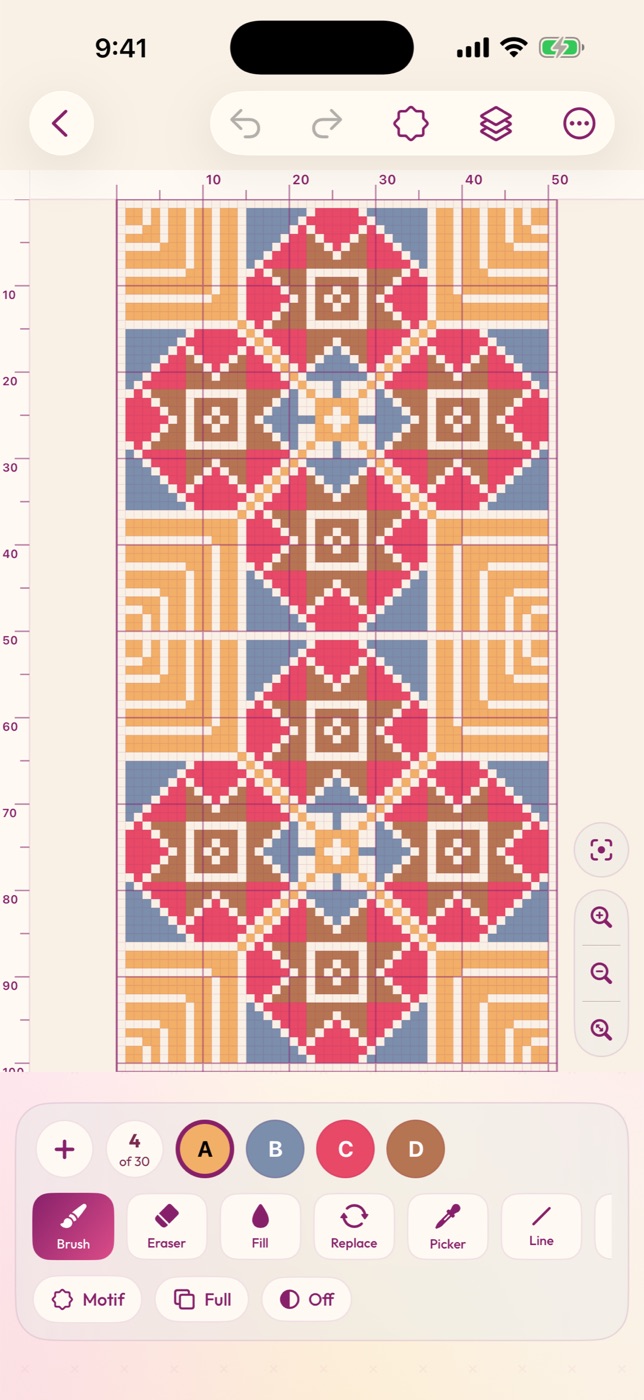
From photo to chart
Choose a photo, pick how many stitches wide it should be and how many colours to use, and adjust brightness, contrast and smoothing. Tatreez matches every colour to a real thread, so the chart is ready to stitch with floss you can buy.
Make it yours in the editor
A converted photo is a starting point. Open it in the editor to clean up stray stitches, simplify the background, add a border or a name, then track it as you stitch.
Coming with the apps
Photo to pattern is part of the Tatreez apps for iPhone, iPad and Mac, which are coming soon. Your designs will sync between the apps and the web studio. Leave your email and we'll tell you the day they launch. Until then, you can design patterns by hand in the free web studio.
Frequently asked questions
Can I convert a photo to cross-stitch in the browser?
Not yet. Photo to pattern is coming with the iPhone, iPad and Mac apps. The web studio is for designing by hand.
Which thread colours does it use?
Real thread colours, from the DMC range or the Tatreez Classics, each with its thread number.
Will the patterns sync to the web?
Yes. Designs sync between the apps and the web studio with Pro.